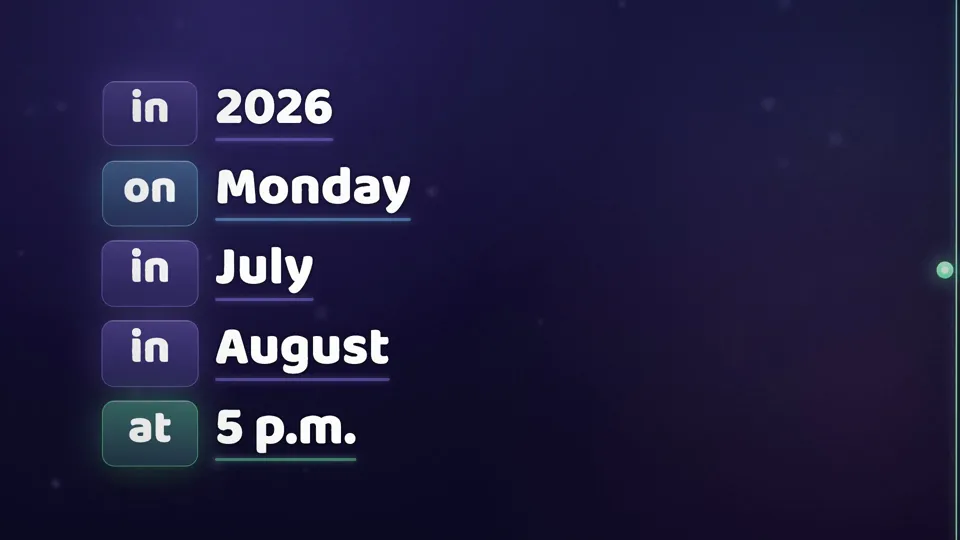
Masterclass
Animated by AI, in Claude Code, with Motion Director.
A presenter in a living window and a pill of light that crosses everything, teaching through color.
- 1:13 of video
- 9:16 and 16:9
- made with AI
Every video on this page was made with Motion Director. All the animation is made with code.
Thestyleinsideout.
What it is for
For people who teach on camera: short lessons, tips, tutorials and course clips. The presenter lives in a moving window, and the motion graphics teach along, showing on screen exactly what is being said.
Great for
- Lessons and courses
- Course clips
- Quick tips
- Tutorials
Signature moves
Fromprompttovideo.
You write what you want. The agent plans scene by scene and builds the video in this style.
> Make a video of my lesson where I'm the star and the motion graphics work alongside me: color teaches the grammar, and every animation shows exactly what's being said.
- · Reading the prompt and the style rules
- · Planning scene by scene
- · Building and rendering in 9:16 and 16:9
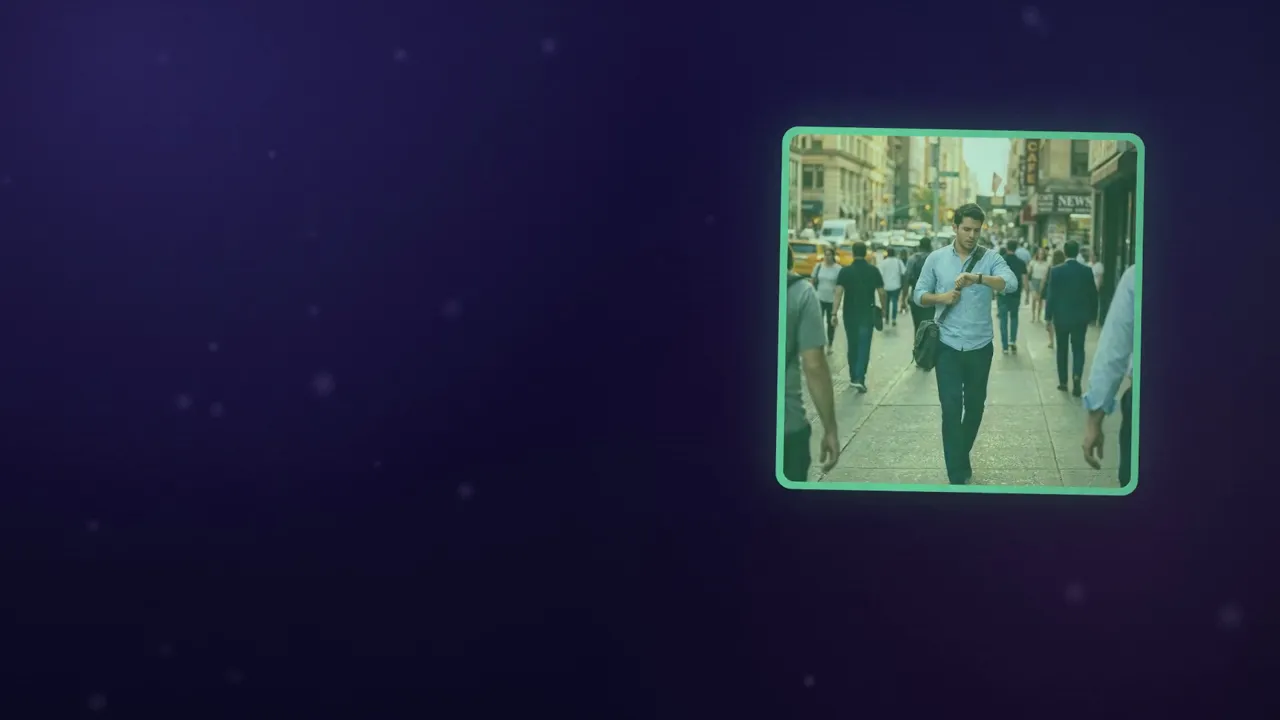
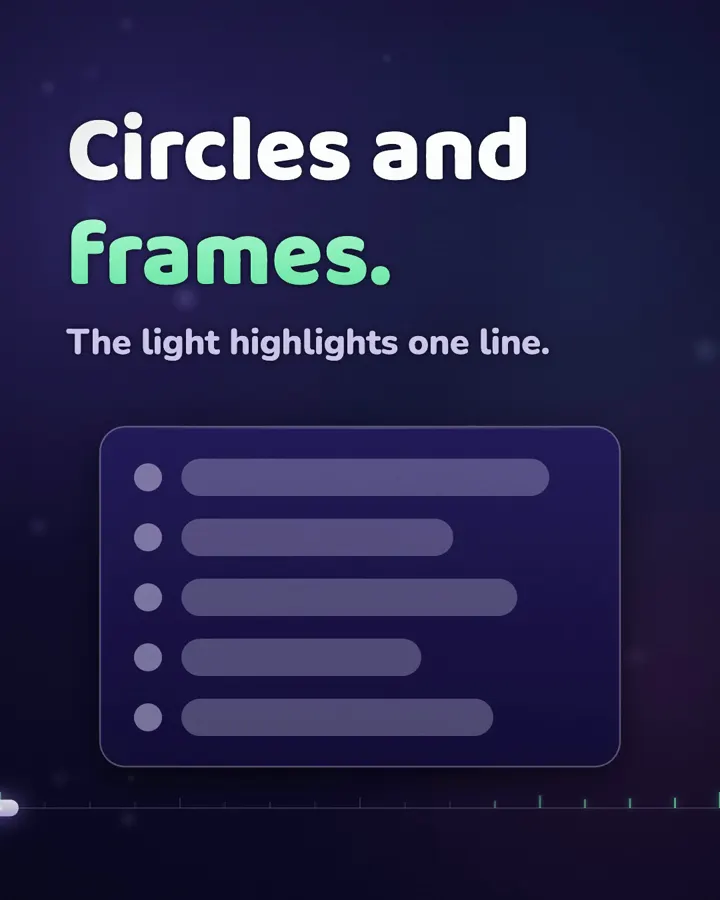
Also as a carousel
Every slide is a short video, music only. Swipe sideways, like on Instagram.
 hellohello.videoMasterclass
10morestylesinthesamepurchase.
You saw the Masterclass style. Motion Director ships all 11: see the others and open each one's page.
 002Cosmic Explainer
 003Papercraft
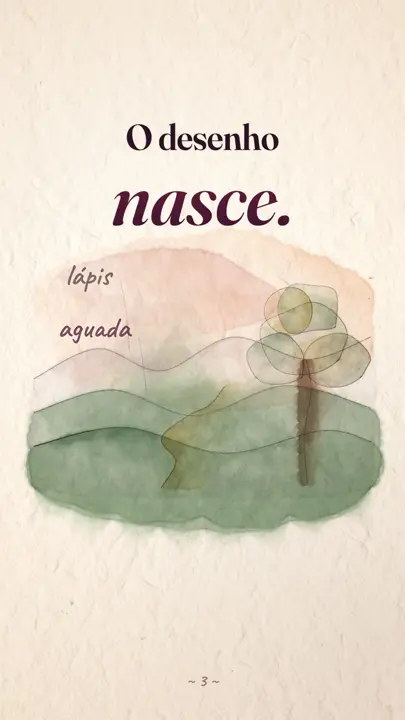 004Watercolor
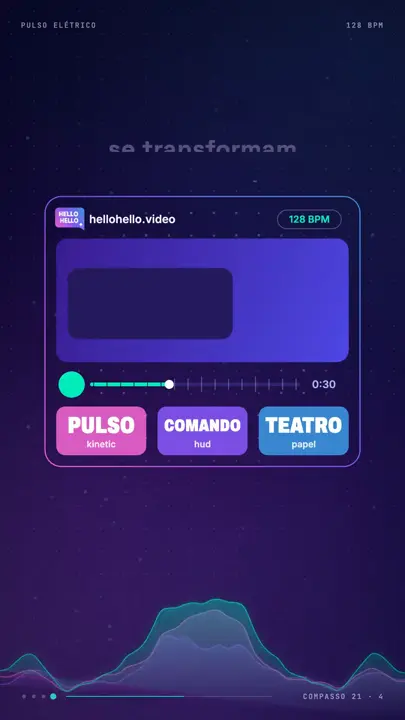 005Electric Pulse
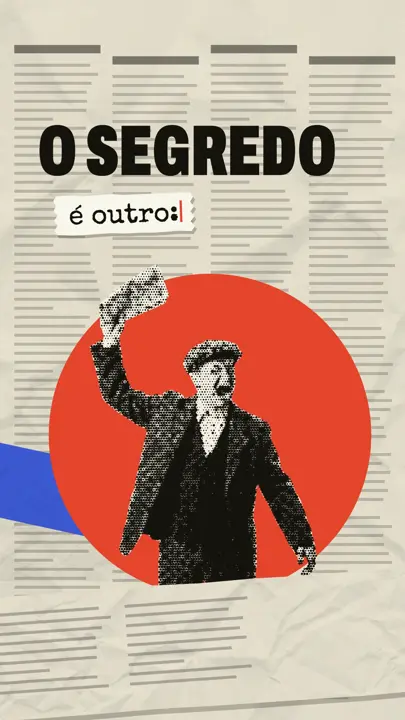 006Editorial Collage
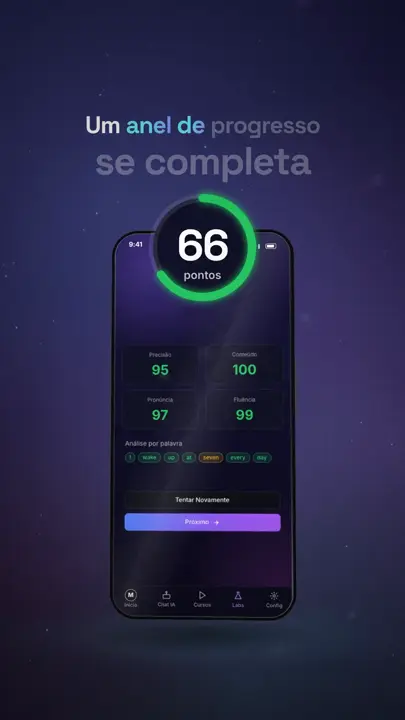 007Digital Stage
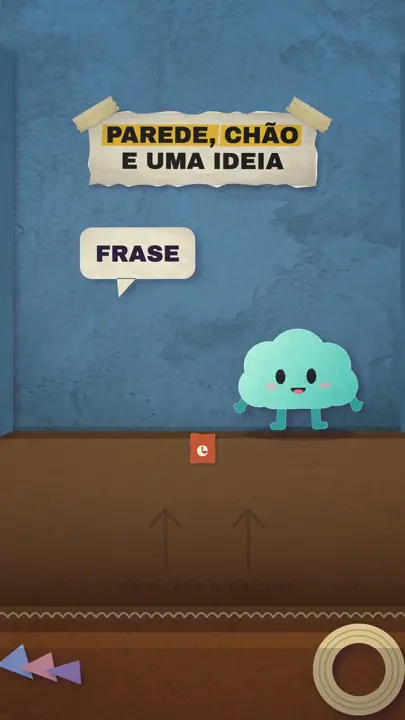 008Grand Paper Theater
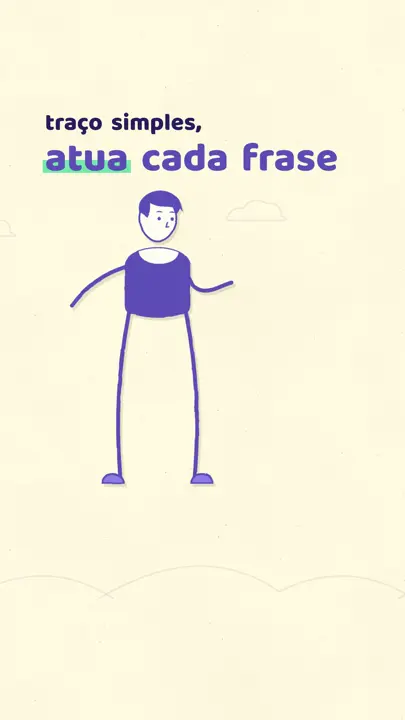 009Living Line
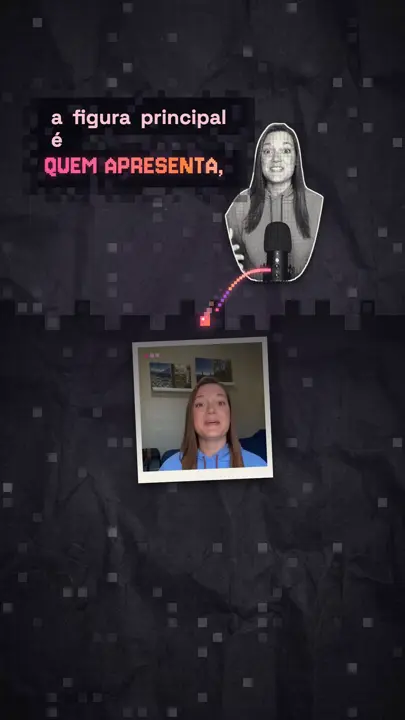 010Pixels
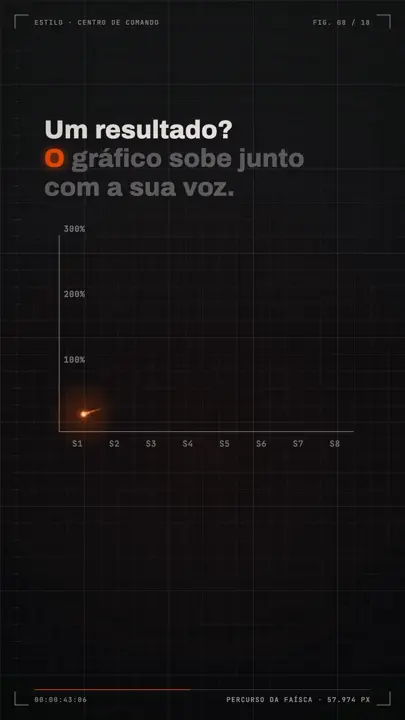 011Command Center
- 11styles, one purchase.
11 styles, one purchase.
Start today.
 Instant access
- Motion Director
- 11 complete styles, in 9:16 and 16:9
- Clip Directorbonus
- Script Directorbonus
- Swipe Directorbonus
- Guided install for Claude Code and Codex




US$ 57after launch
US$ 17
One-time payment
Final sale, except where the law says otherwise.
Right after buying, you can add 12 months of updates for US$ 10 more. Then US$ 27 a year.
Questions.
Still have a question? Email info@hellohello.nz

I have never used Claude Code. Can I do this?+
Yes. You only install Claude Code and the skill does the rest with you, explaining each step in plain language. The members area has a video for every step.
Does it use a video generator like Seedance, Kling or Veo?+
No. Every movement is made with code. AI only generates images and voice-over, when the video needs them.
Will I pay for anything else?+
You need a Claude Code or Codex plan. AI images and voice-over are optional and cost cents per video.
Does it work with Claude Code and Codex?+
Yes. The skill follows the open skills standard and ships with install instructions for both.
Which plan do I need?+
Any plan that includes Claude Code (Pro, Max or higher) or Codex (Plus or higher).
Does it work on Windows?+
Yes, on Mac, Windows and Linux. A few optional extras work best on Mac and have alternatives elsewhere.
Can I use the videos commercially?+
Yes. The videos you make are yours, including client work.
Can I resell the skill?+
No. The license forbids reselling, redistributing or sharing the skill and the styles.
How do updates work?+
Your purchase includes the current version, forever. Right after buying you can add 12 months of updates for US$ 10 more. After that it is US$ 27 a year, cancel anytime.
Is there a subscription?+
Only if you want updates. The US$ 17 purchase is one-time and never renews.
Can I get a refund?+
It is a digital product delivered instantly, so sales are final, except where the law gives you a right of withdrawal (in Brazil, for example, you have 7 days). The Refund Policy, in the footer, explains what happens to your access after a refund.
Yournextvideocouldlooklikethis.
You ask, your AI agent animates.